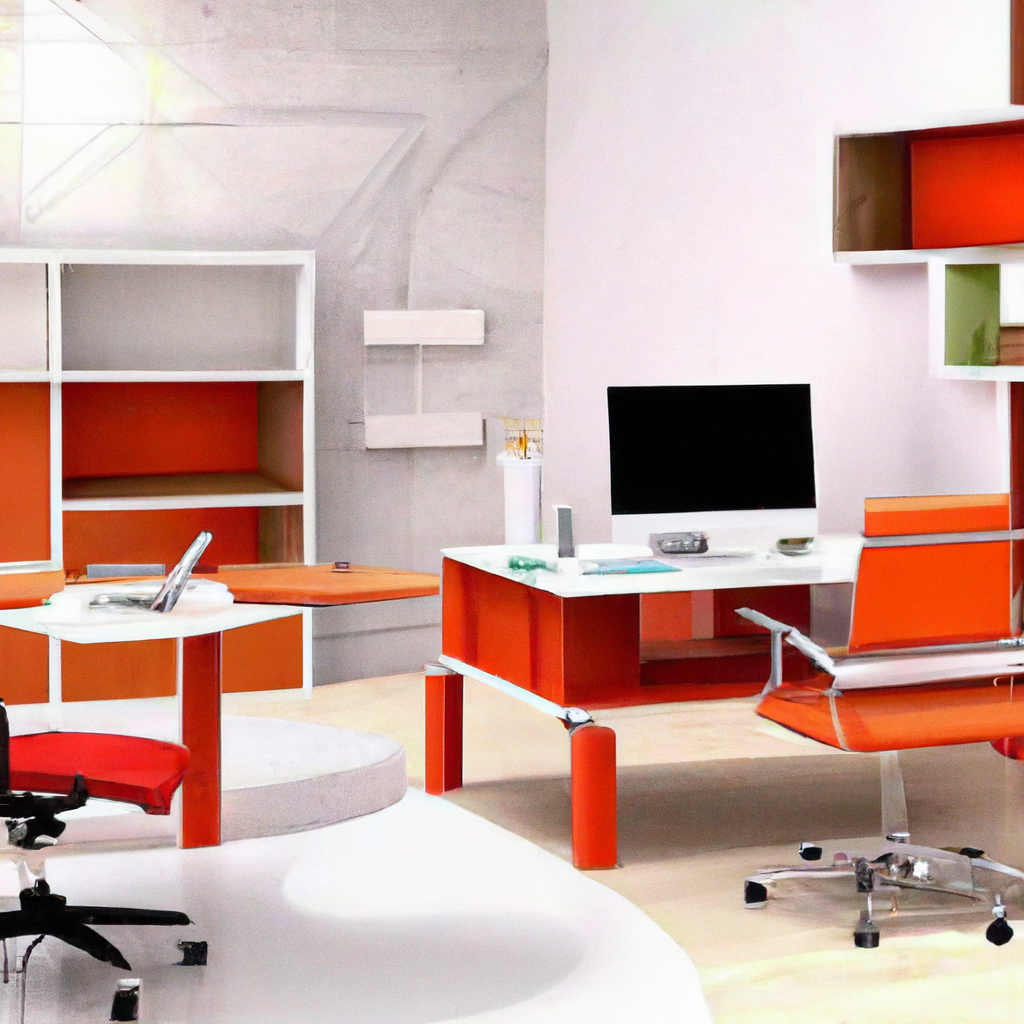
Are you struggling to create a functional home office space that caters to your professional needs? Look no further! In this article, we will guide you through the process of transforming a corner of your home into a productive and efficient work environment. From choosing the right furniture to optimizing natural light, we have got you covered. Say goodbye to clutter and distractions, and say hello to a well-organized and inspiring home office that will enhance your productivity and make working from home a breeze.

This image is property of images.unsplash.com.
Choosing the Right Location
Consider the available space
When setting up a home office, one of the first things to consider is the available space in your home. Take a look at your house or apartment and identify areas that could potentially serve as your workspace. It could be a spare room, a corner in your living room, or even an unused space under the stairs. Carefully measure the dimensions of the space to ensure that it can accommodate all the necessary furniture and equipment for your needs.
Select a quiet and secluded area
To create a productive work environment, it’s crucial to choose a location that offers privacy and minimal distractions. Avoid placing your home office in a high-traffic area where you will be constantly interrupted. Instead, opt for a quiet and secluded spot where you can focus on your tasks without being disturbed by noise or other household activities.
Ensure proper lighting
Good lighting is essential for a functional home office. Natural light is always a great choice as it not only provides ample illumination but also creates a welcoming and refreshing atmosphere. Position your desk near a window if possible, allowing natural light to flood the space. In addition to natural light, invest in a good desk lamp to provide task lighting during darker hours.
Evaluate the accessibility
Consider the accessibility of your home office. Ensure that it is conveniently located within your home, allowing you to easily transition from personal to work mode. Additionally, think about its accessibility for visitors or clients if you anticipate having meetings or receiving guests in your home office. Make sure it’s easy for them to find and access your workspace without disrupting the rest of your home.
Designing the Layout
Allocate enough space for essential furniture
When designing the layout of your home office, it’s important to allocate enough space for essential furniture. The size of your desk, chair, and storage solutions will depend on the nature of your work and personal preferences. Ensure that you have enough room to comfortably move around and access all necessary items without feeling cramped or limited in your movements.
Decide on the desk placement
The placement of your desk is crucial for productivity and comfort. Consider factors such as natural light, views, and proximity to power outlets and other equipment. Experiment with different desk placements to find the most optimal position for your needs. Remember to position the desk in a way that allows you to face the room and stay aware of your surroundings.
Create separate zones for different tasks
To maximize efficiency and organization, create separate zones within your home office for different tasks. Designate areas for computer work, paperwork, meetings, and any other activities you regularly engage in. This will help to create a sense of structure and order, making it easier for you to transition between tasks smoothly and stay focused on the task at hand.
Incorporate storage solutions
An organized workspace is essential for productivity. Make sure to incorporate efficient storage solutions to keep your home office clutter-free and well-organized. Consider options such as filing cabinets, drawers, shelves, and bins to effectively store paperwork, office supplies, and other essentials. Utilize vertical space by installing shelves or bookcases to optimize storage capacity.
Selecting the Right Furniture
Choose a comfortable and ergonomic chair
Since you’ll be spending long hours at your home office, it’s important to invest in a comfortable and ergonomic chair. Look for a chair that offers proper lumbar support, adjustable height, and sufficient cushioning. Ergonomic chairs help maintain proper posture and reduce the risk of back pain or discomfort, allowing you to work comfortably and efficiently for extended periods.
Prioritize a spacious and functional desk
A spacious and functional desk is a fundamental element of any home office. Consider the size and layout of your workspace when choosing a desk. It should provide enough surface area to accommodate your computer, paperwork, and other essential items. Opt for a desk with built-in storage options such as drawers or shelves to keep your workspace organized and clutter-free.
Consider additional furniture needs
Depending on the nature of your work, you may need additional furniture in your home office. Think about your specific requirements and consider options such as a bookshelf for reference materials, a filing cabinet for paperwork, or a comfortable seating area for client meetings. Adding furniture that serves your unique needs will enhance the functionality and efficiency of your workspace.
Optimize the use of vertical space with shelves or bookcases
When dealing with limited space, it’s important to make the most of every available inch. Optimize the use of vertical space by installing shelves or bookcases. Vertical storage solutions not only provide ample space for books, supplies, and decor but also help to declutter your desk and keep your workspace organized. Consider wall-mounted shelves or freestanding bookcases depending on the layout of your home office.
Ensuring Proper Lighting
Maximize natural light
Natural light is not only aesthetically pleasing but also provides numerous health and productivity benefits. Whenever possible, position your desk near a window to maximize natural light intake. Natural light has been proven to enhance mood, reduce eye strain, and increase energy levels. If your home office lacks access to natural light, consider using daylight-mimicking bulbs to create a similar effect.
Invest in a good desk lamp
While natural light is optimal, it’s important to have additional lighting options for darker hours or when natural light is insufficient. Invest in a good desk lamp that provides adequate task lighting. Look for lamps with adjustable brightness levels and features that reduce eye strain, such as anti-glare filters. A well-illuminated workspace is essential for maintaining focus and reducing eye fatigue.
Utilize ambient lighting
In addition to task lighting, consider incorporating ambient lighting into your home office setup. Ambient lighting refers to the overall lighting in a room and helps create a comfortable and inviting atmosphere. This can be achieved through ceiling lights, floor lamps, or wall sconces strategically placed to provide even lighting throughout the space. Ambient lighting enhances overall visibility and reduces eye strain.
Avoid glare and shadows
Glare and shadows can negatively impact your productivity and even cause eye strain. Position your desk in a way that avoids direct sunlight or reflections from windows or other light sources. Adjust window coverings or use curtains or blinds to control the amount of direct light entering the room. Furthermore, ensure that your desk lamp’s light is directed towards your workspace and not causing shadows or glare on your computer screen.

This image is property of images.unsplash.com.
Setting Up the Necessary Equipment
Select a suitable computer and monitor setup
When setting up a home office, it’s crucial to have a suitable computer and monitor setup. Consider your work requirements and choose a computer with sufficient processing power and storage capacity. Additionally, invest in a high-quality monitor that provides a clear display and reduces eye strain. Dual monitors are increasingly popular for multitasking, but choose a setup that fits your needs and budget.
Invest in a reliable internet connection
A reliable internet connection is essential for effectively working from home. Slow or unreliable internet can hinder your productivity and cause frustration. Research internet service providers in your area and choose a plan that offers high-speed and uninterrupted connectivity. It’s also advisable to have a backup plan, such as a mobile hotspot or alternative internet source, in case of any service disruptions.
Consider essential peripherals
Depending on your work requirements, there may be essential peripherals you need to invest in for your home office. This could include items such as a printer, scanner, external hard drive, or specialized equipment related to your field. Consider your specific needs and ensure that you have all the necessary peripherals to carry out your work efficiently.
Organize cables and manage cords
With multiple devices and peripherals, cable management becomes essential for a clean and organized workspace. Use cable clips, cord organizers, or cable sleeves to keep cables neat and tangle-free. Consider using a cable management tray or box to hide excess cords and power strips. A well-organized cable system not only improves the aesthetics of your home office but also minimizes the risk of tripping hazards or accidental disconnections.
Creating a Productive Environment
Maintain a clutter-free workspace
A cluttered workspace can be distracting and negatively impact your productivity. Make it a habit to declutter your home office regularly and keep only essential items on your desk. Remove unnecessary paperwork, old files, and any items that don’t contribute to your work. Invest in storage solutions such as drawers, shelves, or file cabinets to keep your workspace organized and create a productive environment.
Incorporate inspiring decor and personal touches
While functionality is key in a home office, don’t forget to infuse your personality into the space. Incorporate inspiring decor and personal touches that motivate and energize you. Hang artwork or inspirational quotes on the walls, display photos of loved ones, or incorporate plants for a refreshing touch. Creating a space that reflects your personal style and preferences can contribute to a positive and productive atmosphere.
Establish a dedicated area for work-related materials
To enhance productivity, it’s important to establish a dedicated area for work-related materials within your home office. This can be a separate shelf, drawer, or filing cabinet specifically designated for papers, files, and other work-related documents. By keeping all your materials organized and easily accessible, you’ll save time and minimize the chances of misplacing important items.
Ensure a comfortable temperature and ventilation
Comfortable temperature and proper ventilation are crucial factors in creating a productive work environment. Ensure that your home office is adequately heated, cooled, or ventilated to maintain a comfortable atmosphere. Consider using a fan, air conditioner, or heater depending on your climate and personal preferences. Proper air circulation and temperature control can help you stay focused and prevent discomfort during long working hours.

This image is property of images.unsplash.com.
Managing Noise and Distractions
Use noise-cancelling headphones
If you’re easily distracted by external noise, investing in noise-cancelling headphones can work wonders for your concentration. These headphones use active noise control technology to block out ambient sounds. Whether it’s the sounds of your neighborhood, household activities, or even other people in your home, noise-cancelling headphones can create a quieter and more focused environment for you to work in.
Consider soundproofing options
If noise continues to be a significant distraction in your home office, consider soundproofing the space. This can involve adding soundproofing panels to the walls or using acoustic curtains or carpets to absorb sound. Soundproofing materials can effectively reduce noise transmission and create a quieter work environment. Consult with professionals or do some research to find the most suitable soundproofing solutions for your home office.
Implement a visual barrier for privacy
Privacy is important when working from home, especially if you share your living space with others. Implement a visual barrier to create a sense of privacy and reduce potential distractions. This can be done by using room dividers, screens, or even strategically placing furniture to separate your workspace from the rest of the room. A visual barrier will help create a dedicated and focused environment for your work.
Minimize external noise sources
While it may not be possible to eliminate all external noise, minimizing potential sources of disturbance can significantly improve your concentration. Communicate your work schedule and the importance of a quiet environment to those sharing your living space. If possible, arrange your work hours to coincide with quieter times of the day. Close windows or use soundproof curtains to reduce noise from outside. Taking these steps will help reduce distractions and create a more productive work environment.
Implementing Storage Solutions
Utilize filing cabinets or drawers for paperwork
Paperwork can quickly clutter your workspace if not properly organized. Utilize filing cabinets or drawers to store and categorize important documents. Invest in labeled folders or file organizers to keep paperwork neat and easily accessible. Regularly review and declutter your files to ensure you’re only keeping what’s necessary and relevant.
Incorporate shelves for books or supplies
Shelves are a versatile storage solution for books, supplies, and other items. Install shelves above or next to your desk to keep frequently used reference materials within easy reach. Adjustable shelves allow you to customize the spacing to accommodate different-sized books or supplies. Consider organizing items by category or color-coding to enhance efficiency and visual appeal.
Opt for multi-functional furniture with built-in storage
Maximize storage space by choosing multi-functional furniture with built-in storage. Look for desks or cabinets that feature drawers, compartments, or shelves. These pieces of furniture not only provide ample space to keep your belongings but also help reduce clutter and maintain an organized workspace. Items such as ottomans or benches with hidden storage can also serve as seating options while providing additional storage capacity.
Organize cables and cords
Cable management is often overlooked but plays a significant role in maintaining an organized and clutter-free workspace. Use cable clips, ties, or management sleeves to keep cords and cables organized and prevent them from tangling. Consider using a cable management box or tray to hide excess cords and power strips. Taking the time to organize and declutter your cables will improve the overall aesthetics of your home office and make it easier to locate and access devices.
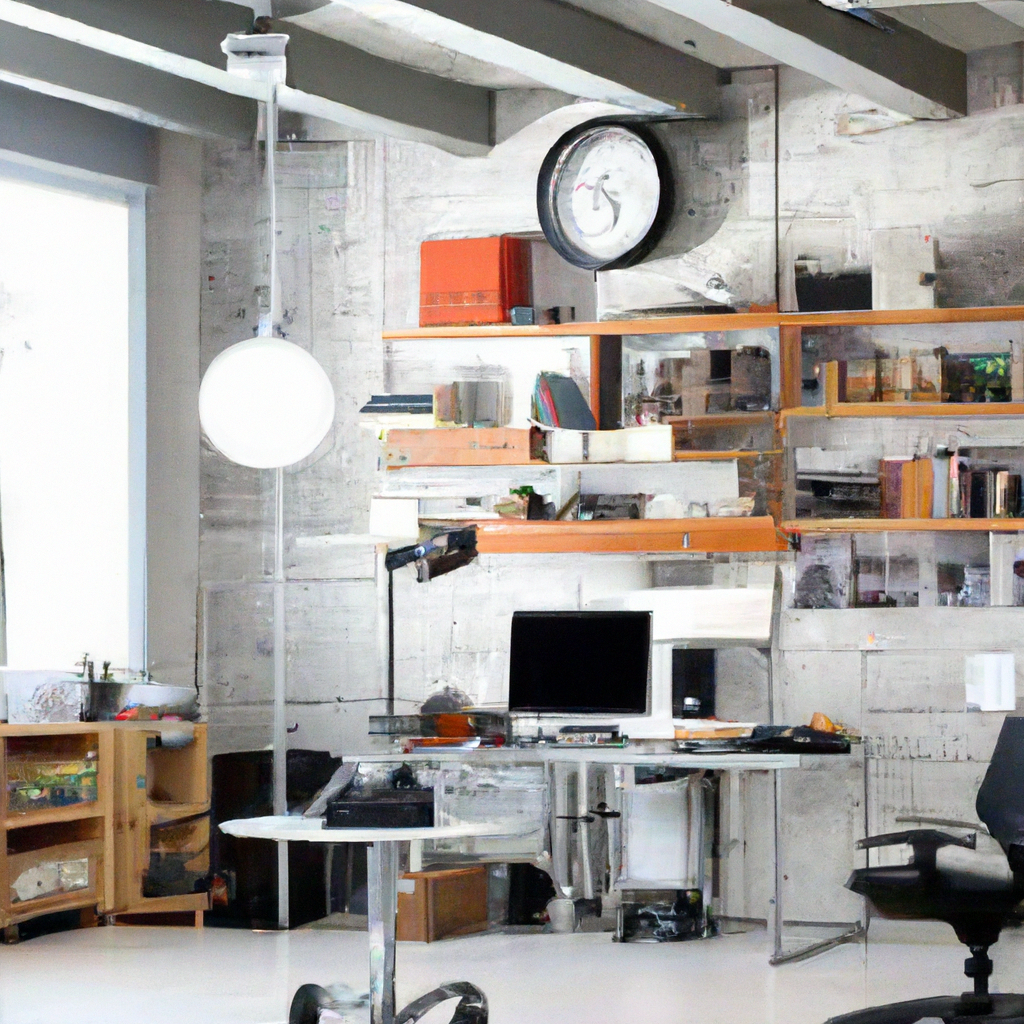
Establishing a Schedule and Routine
Set regular working hours
One of the challenges of working from home is maintaining a healthy work-life balance. To prevent work from encroaching on your personal time, set regular working hours and stick to them as much as possible. Establish a start and end time each day and communicate this schedule to your family members or roommates. By creating a routine, you’ll develop a sense of structure and separate your professional life from your personal life.
Create a daily to-do list
To stay organized and maintain productivity, create a daily to-do list. This list should include your tasks, deadlines, and priorities for the day. Break down larger projects into smaller, manageable tasks to make them less overwhelming. A to-do list will help you stay focused, prioritize your work, and give you a sense of accomplishment as you check off completed tasks.
Establish breaks and time management techniques
Taking regular breaks throughout the day is essential for maintaining focus and productivity. Incorporate short breaks into your schedule and use them to stretch, hydrate, or engage in quick physical activity. Additionally, consider implementing time management techniques such as the Pomodoro Technique, which involves working in focused bursts followed by short breaks. Experiment with different techniques to find what works best for you.
Maintain a healthy work-life balance
Working from home can blur the boundaries between work and personal life. It’s important to establish a healthy work-life balance to prevent burnout and maintain overall well-being. Set aside time for leisure activities, exercise, and spending quality time with family and friends. Avoid overworking or bringing work into your personal time. Remember, a balanced lifestyle leads to increased productivity and overall satisfaction.
Investing in Quality Technology
Choose dependable and efficient devices
Investing in quality technology is essential for a functional home office. Choose dependable and efficient devices that will support your work needs. Prioritize a reliable computer with sufficient processing power, a fast internet connection, and ample storage space. Additionally, ensure that your other devices, such as printers or scanners, meet your requirements and are of good quality to avoid frustrating technical issues.
Consider ergonomic accessories
To promote a healthy and comfortable work environment, consider investing in ergonomic accessories for your home office. This includes items such as an ergonomic keyboard, mouse, and mousepad that support proper hand and wrist positioning. A monitor stand or adjustable desk riser can help maintain optimal eye-level monitor placement. Ergonomic accessories minimize the risk of repetitive strain injuries and improve overall productivity.
Invest in backup systems and data protection
Protecting your data and ensuring business continuity is of utmost importance. Invest in backup systems to regularly save and store your work files. This can involve using external hard drives, cloud storage, or automatic backup software. Additionally, consider implementing security measures such as antivirus software, firewalls, and strong passwords to protect your sensitive information from cyber threats.
Stay updated with software and security measures
Regularly update your software and security measures to ensure optimal performance and protect against security vulnerabilities. Enable automatic updates for your operating system, antivirus software, and other essential programs. This ensures that you have the latest features, bug fixes, and security patches. Keeping your software up to date minimizes the risk of compatibility issues and keeps your home office environment secure.
Creating a functional home office space involves thoughtful consideration of various elements, from location and layout to furniture and equipment. By choosing the right location, designing an efficient layout, selecting suitable furniture, ensuring proper lighting, setting up necessary equipment, managing noise and distractions, implementing storage solutions, establishing a schedule and routine, and investing in quality technology, you’ll be well on your way to creating a productive and comfortable workspace within your own home. Remember, the key is to personalize your home office to suit your specific needs and preferences.